Various Features
- Separate settings for each content
- Web page as a signage content
- Manage content using subfolders
- Auto start signage on device boot
- Sync display with multiple devices
Separate settings for each content
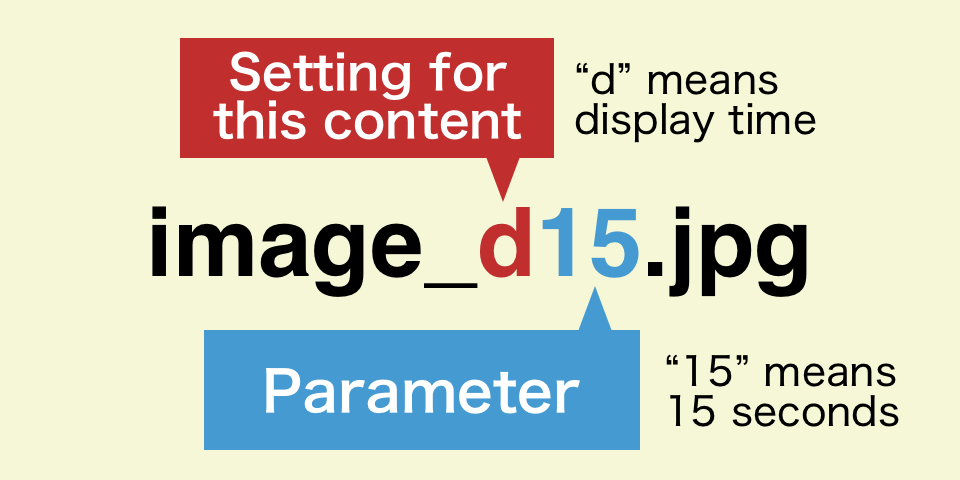
While signage contents are generally displayed based on default settings in the app, separate settings can be set by adding underscore-delimited values to file names (before extensions).
The example below indicates "the image is displayed for 15 seconds".
| Setting | Description | Possible values |
|---|---|---|
| _d | Display time (sec.) Not applied to videos |
1〜86400 |
| _p | Playback count Only applied to videos, v2.8.2+ |
1〜9999 |
| _i | Fade-in duration (sec.) | 0〜10 |
| _o | Fade-out duration (sec.) | 0〜10 |
| _r | Rotation (°) | 0, 90, 180, 270 |
| _s | Scale | f, c _sf: fit into screen _sc: cropped to fill screen |
E.g. 1 "image_d15_i1_o1.jpg" → display time 15 sec., fade-in duration 1 sec., fade-out duration 1 sec.
E.g. 2 "video_r90_sf.mp4" → rotate 90°, scale to fit into screen
Web page as a signage content
Web pages can be used as signage contents by putting shortcut files (.url/.webloc files) on a Google drive folder.
Shortcut files can be generated by dragging the URL or key mark*1 on web browsers.
*1 Its behavior depends on web browsers.
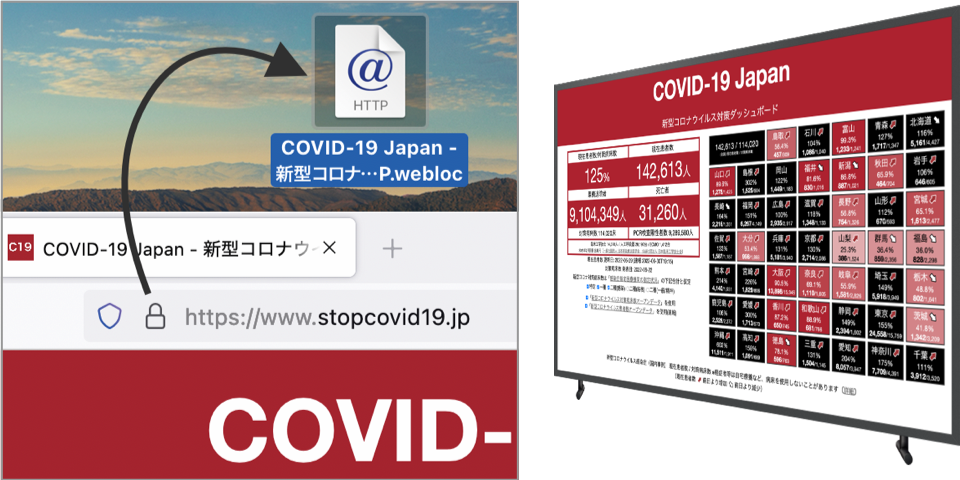
By using web pages, dynamic contents such as weather forecasts and lunch/dinner menus can be displayed.
The width/height and refresh interval of web pages should be set using separate settings.
| Setting | Description | Possible values |
|---|---|---|
| _ww | Web page width (px) | 1〜9999 |
| _wh | Web page height (px) | 1〜9999 |
| _wr | Web page refresh interval (min.) | 1〜1440 |
E.g. "web_ww1000_wh600_wr30.url" → show web page with width 1000px and height 600px, refresh web page every after 30 min.
Manage content using subfolders
The app recognizes folders, including folder shortcuts, located directly inside the signage folder and treats the files inside those folders as signage contents.
By placing shortcuts to the same folder in different signage folders, you can share only selected contents among multiple signage folders.
Auto start signage on device boot
It is possible to automatically launch the app when a device is turned on*2 and start signage without entering the settings page when the app is launched.
These features enable easier handling of digital signage on various places.
*2 Premium feature for enterprise license
Sync display with multiple devices
Signage on multiple devices can synchronize based on accurate internet time.
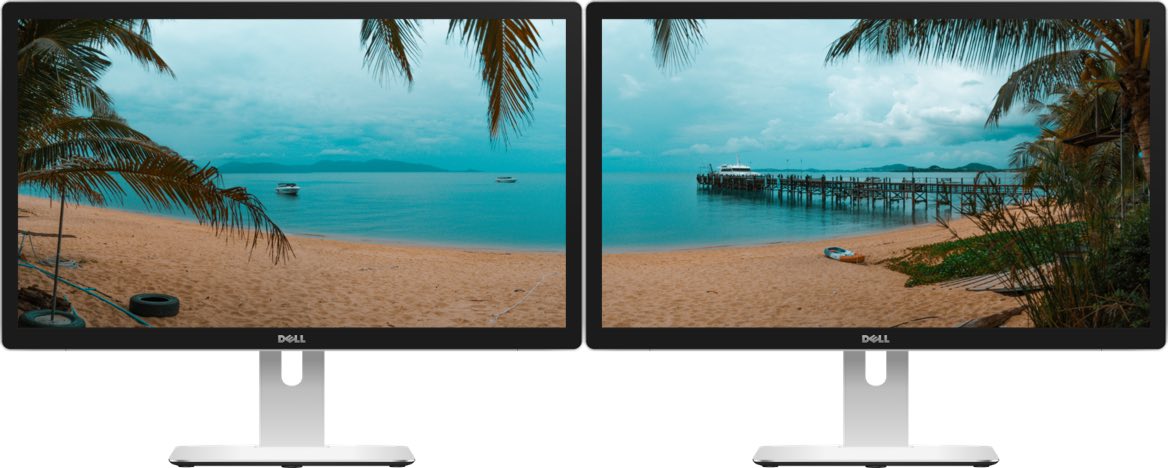
This feature is especially useful for signage contents that cannot fit in a single display.
To utilize this feature, the total length of time of signage contents should be aligned.